
A Better Mess
Digital Planner
Regular price
$0.00 USD
Regular price
Sale price
$0.00 USD
Unit price
per


FAQ
Who is this template for?
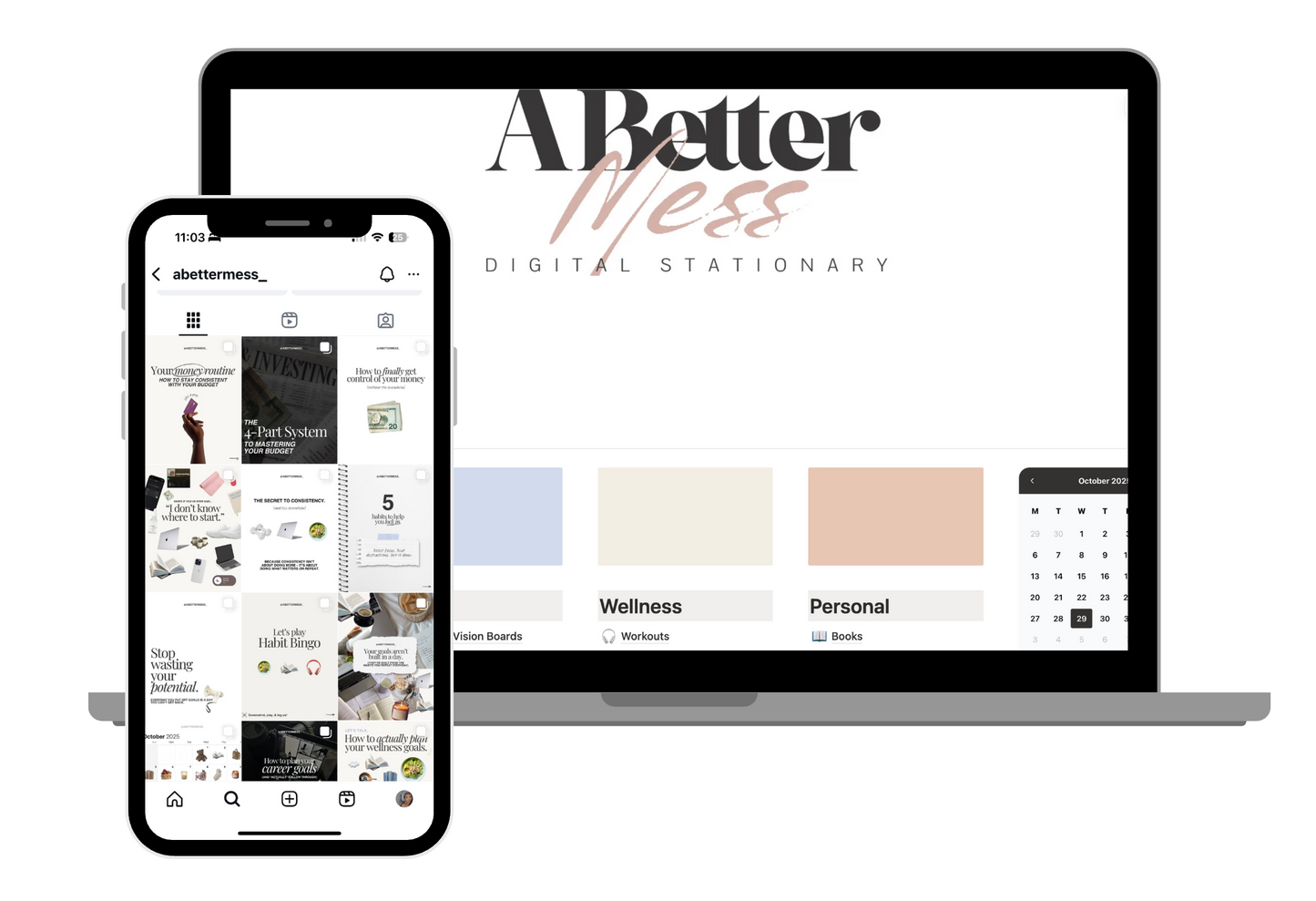
This template is perfect for anyone ready to get organized. With one planner, you can manage your goals, habits, routines, finances, content, studies, workouts, meals, books, travel, and notes—all in one place.
Is this template beginner friendly?
Yes! This template is perfect for beginners—easy to use, fully customizable, and ready to help you organize your goals, habits, routines, and more. No prior Notion experience is required, and we’ve included a step-by-step video guide on YouTube.
What is Notion?
Notion is a free productivity app that lets you organize everything in one place—your tasks, goals, notes, and plans. It works on both desktop and mobile, and our planner is built and customized within.
How do I access the template?
- 1) Sign up for a free Notion account.
- 2) After checkout, download the PDF from the confirmation page or your email.
- 3) Open the PDF, copy the link inside, and paste it into your browser.
- 4) In the top-right corner, click “Duplicate” to add the template to your Notion workspace.
5) On mobile, tap the three dots menu to find the duplicate option.